
Products / CTM01

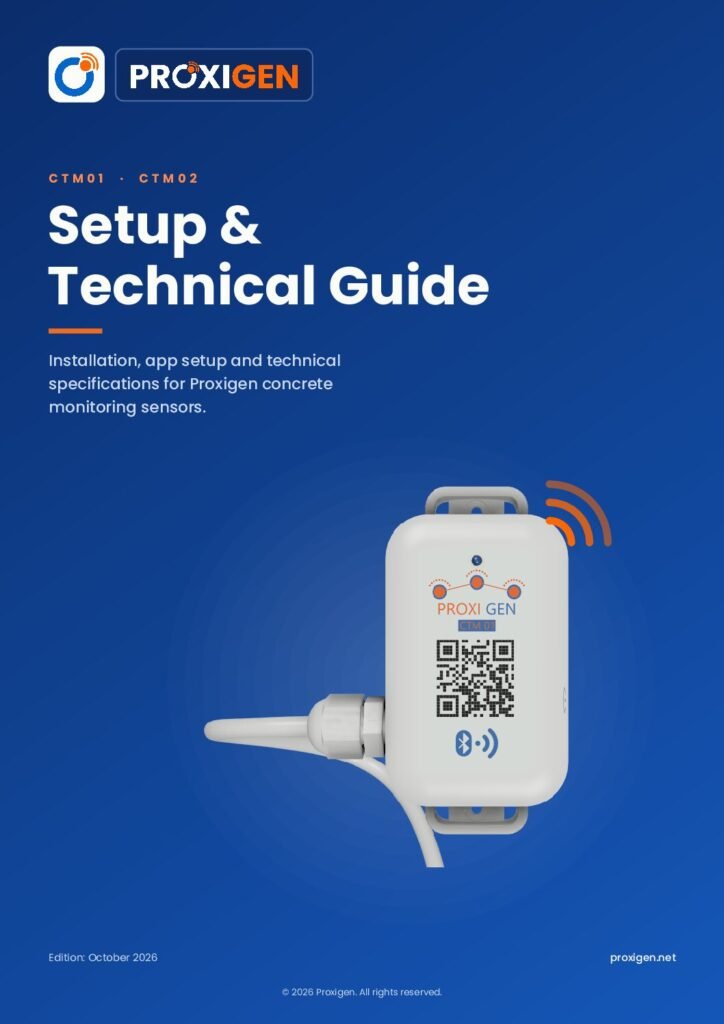
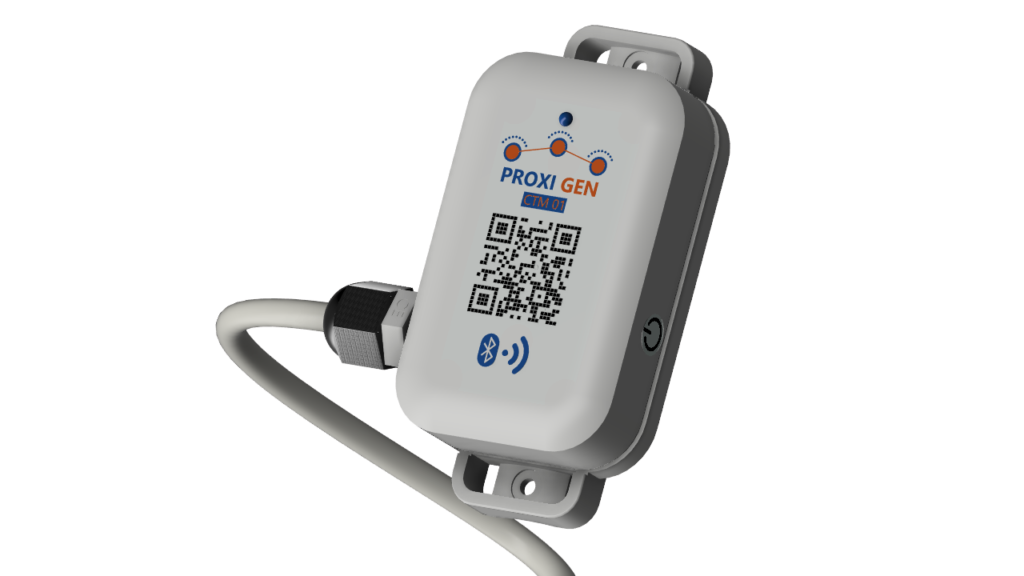
CTM01 Concrete Temperature Logger

One probe in the concrete and one sensor in the body, recording every 15 minutes from the pour to the day you strip the forms. Switch on, scan, and the first temperature appears in the Proxigen app.

1 probe

30 cm or 3 m

2.4 GHz RF

Wireless link to the app

~6 months

Stored on the device

Two Temperatures from One Device

CTM01 reads the concrete and the logger at the same time, and the app shows each one clearly.

Probe sensor

Sits inside the pour at the depth you choose and measures the concrete temperature that drives strength gain.

Body sensor

Built into the device housing and measures the temperature at the logger itself, outside the concrete.

The maturity method

Concrete tells you how strong it is. Through heat.

01Pour0 h Probes go in before the concrete. Tie the probe to the rebar at the point you care about, usually the core of the section. Switch the sensor on and it records a reading every 15 minutes.
02Heatfirst 1 to 2 days Hydration heats the core. Cement reacts with water and releases heat, usually peaking within the first day. With CTM02 you see the top and the bottom of the pour side by side.
03Strengthday 2 to 4 Heat × time = maturity. The maturity method turns the temperature history into an estimate of in-place strength, so you depend less on waiting for cube results.
04Readyday 4+ Strip on data, not the calendar. When the estimated strength reaches your target, plan formwork removal with the full temperature record to back the decision.
Probe tied to rebar CTM01 recording Core 18.0°C Top vs bottom watched Maturity rising 0.0 MPa estimated Target strength reached Records saved in the cloud
Age0 h
Core temp18.0°C
Strength0.0 MPa

Illustrative curing curve. Real values depend on your mix and site conditions.

On and Connected in Under a Minute

One button, one scan. No pairing menus or settings to change.

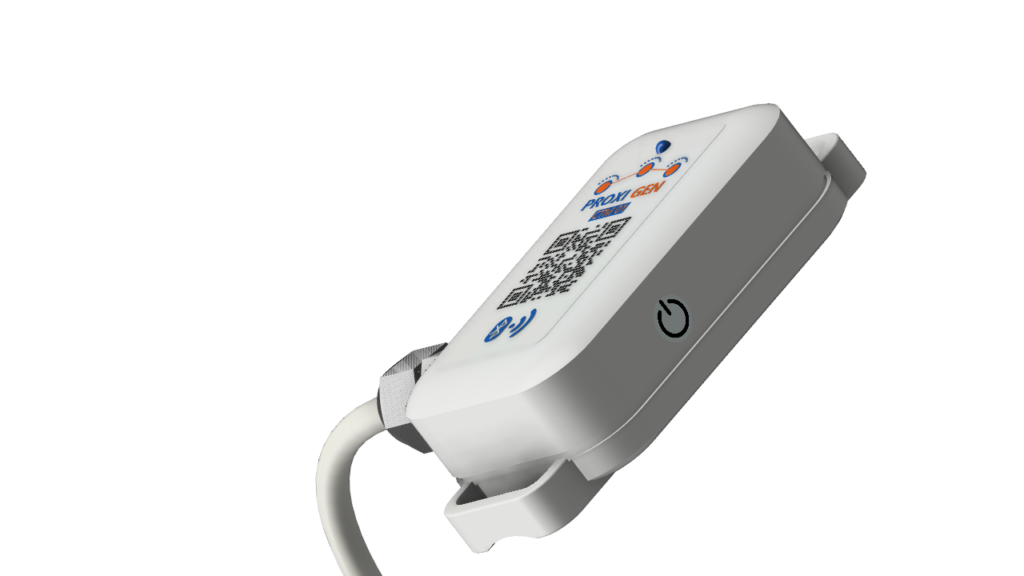
Switching on the Proxigen concrete sensor by holding the button

STEP 1

Switch on

Press and hold the button for 3 seconds. One long flash of the LED confirms the device is on.

Concrete Monitoring Solution in Saudi Arabia

STEP 2

Scan the QR code

Open the Proxigen app and scan the QR code on the device.

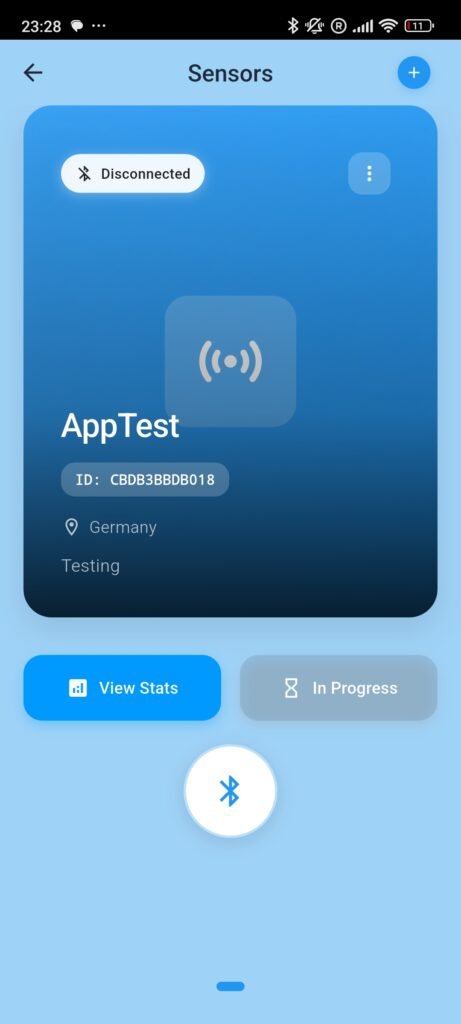
Proxigen app showing live concrete temperature readings from a sensor

STEP 3

See the first reading

The app connects automatically and shows the first temperature from the body and the probe.

No Reading Gets Lost

CTM01 records the temperature every 15 minutes and keeps it in its own memory, with room for about 6 months of readings. When the app connects, every stored reading is sent across and saved in Proxigen Cloud.

Missed a site visit? The data waits on the device until you are back.

Every 15 minutes

Reading interval

About 6 months

Readings stored on the device

Full sync

All stored readings upload when the app connects

Technical Specifications

CTM01 specifications

Probes

1

Probe length

30 cm or 3 m; custom lengths on request

Sensors

Probe sensor + built-in body sensor

Wireless

2.4 GHz RF

Connection

Proxigen app on iOS and Android, data synced to Proxigen Cloud

Reading interval

Every 15 minutes

On-device storage

About 6 months of readings; storage outlasts the battery

Battery

3.0 V

Indicator

Single-colour LED; one long flash when switched on

Power

Press and hold the button for 3 seconds

Setup

Scan the QR code on the device in the Proxigen app

Need a different probe length? We build probes to order. Tell us your pour depth and we will match it.

Downloads

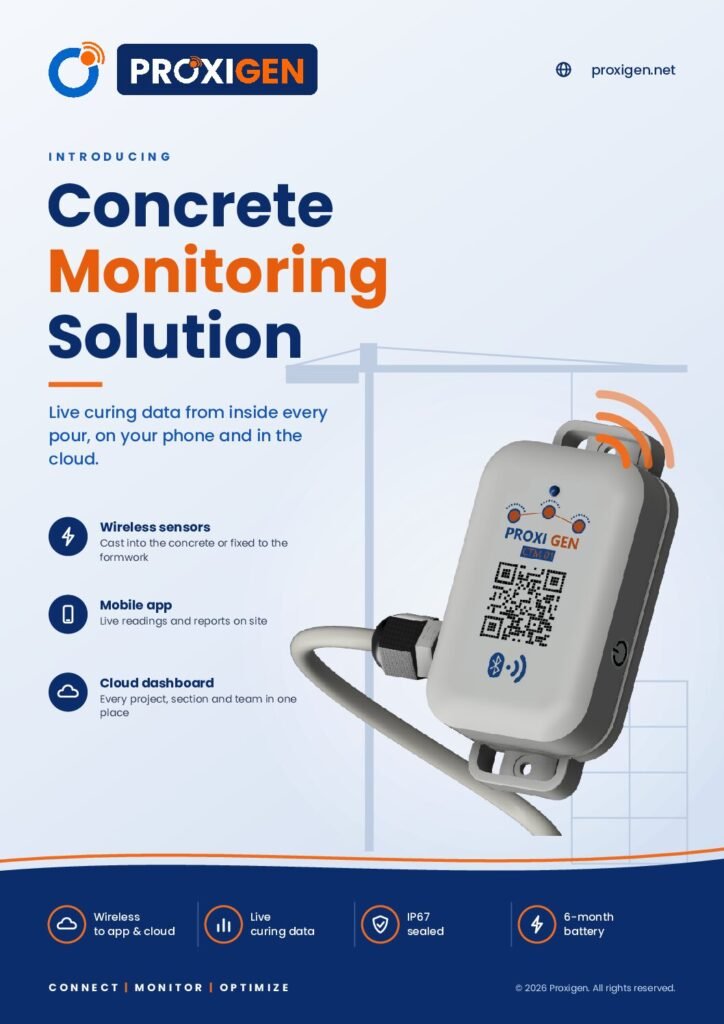
Brochure and Technical Guide

Two free PDFs for your team and your consultant. Both cover CTM01 and CTM02.
Need top and bottom readings?

CTM02 adds a second probe so you can track the temperature difference across thick pours.

Ready to Monitor Your Next Pour?

Tell us about your project and we will recommend the right probe lengths.

Scroll to Top

TALK TO AN EXPERT

Get expert advice for your next pour

Tell us about your project. A Proxigen specialist will get back to you by email with the right sensor and setup.

Prefer email? info@proxigen.net

Request a consultation

Fields marked * are required.

LET'S TALK

Have a question about concrete monitoring?

Tell us about your project and our team will get back to you by email.

Prefer email? info@proxigen.net

Send us your inquiry

Fields marked * are required.